Onboarding for admin panel for wedding venues
MY ROLE
UX/UI Designer
SCOPE
July 2021 – August 2021
TOOLS
Pen & Paper, Figma
Project overview
Wedding Dream is a Polish company from wedding industry. One of the company’s projects is the Company Directory, a website that brings together service providers from the industry and allows them to present their offer to potential customers. To do so, they must create an account on this website, complete the necessary data related to their offer and the company provides them with its platform. The place where users complete information about their offer is the vendor admin panel. This case study shows the process of creating an onborading of the new users.
Problem statement
The main problem with the company directory is the fact that most users do not fill in data related to their offer after creating an account. This applies both to the master data, which is absolutely crucial for potential customers in the form of bridal couples, and to the more detailed elements of the offer. This has at least two negative effects: firstly, bridal couples will not consider such an offer when searching, and secondly, there are blank or very poorly filled profiles on the company’s website. Therefore, this project presents an onboarding process for new users, with which they specify basic data already when creating their profile.
Understanding the user
Target group users are people working in the wedding industry. In interviews with users, we learned that such services are an additional place for them to present their offer but they prefer to present themselves in social media. This doesn’t change the fact that they want to use these sites for marketing purposes, but during their work they don’t have much time to complete their profiles. They expect a simple system in which all the information is easy to find, as it is only one of many places where they present their offer, and they have many other daily tasks associated with their work.
Solution (What I did and why?)
The first phase of the project identified which data are fundamental and decisive for each of the company’s offerings. The onboarding process must be as universal as possible, as there are 20 categories in the company directory, so the form can be filled out for each category. It is also important to note that when onboarding, some users claim to affect how the individual forms will look later in the admin panel. For example, if you check “Photography” in the category, the sub-categories and features of the offer that you select later apply only to that category and must therefore be specified at the beginning. The onboarding process facilitates the completion of the data and both the submission of offers and the avoidance of blank profiles on the website. It is important that you provide this information at the beginning, as you provide most of the information the first time you log in. This is because they have already decided to register and therefore want to present their offer on the website. The very decision to create a profile shows that they are willing to spend their time providing information.
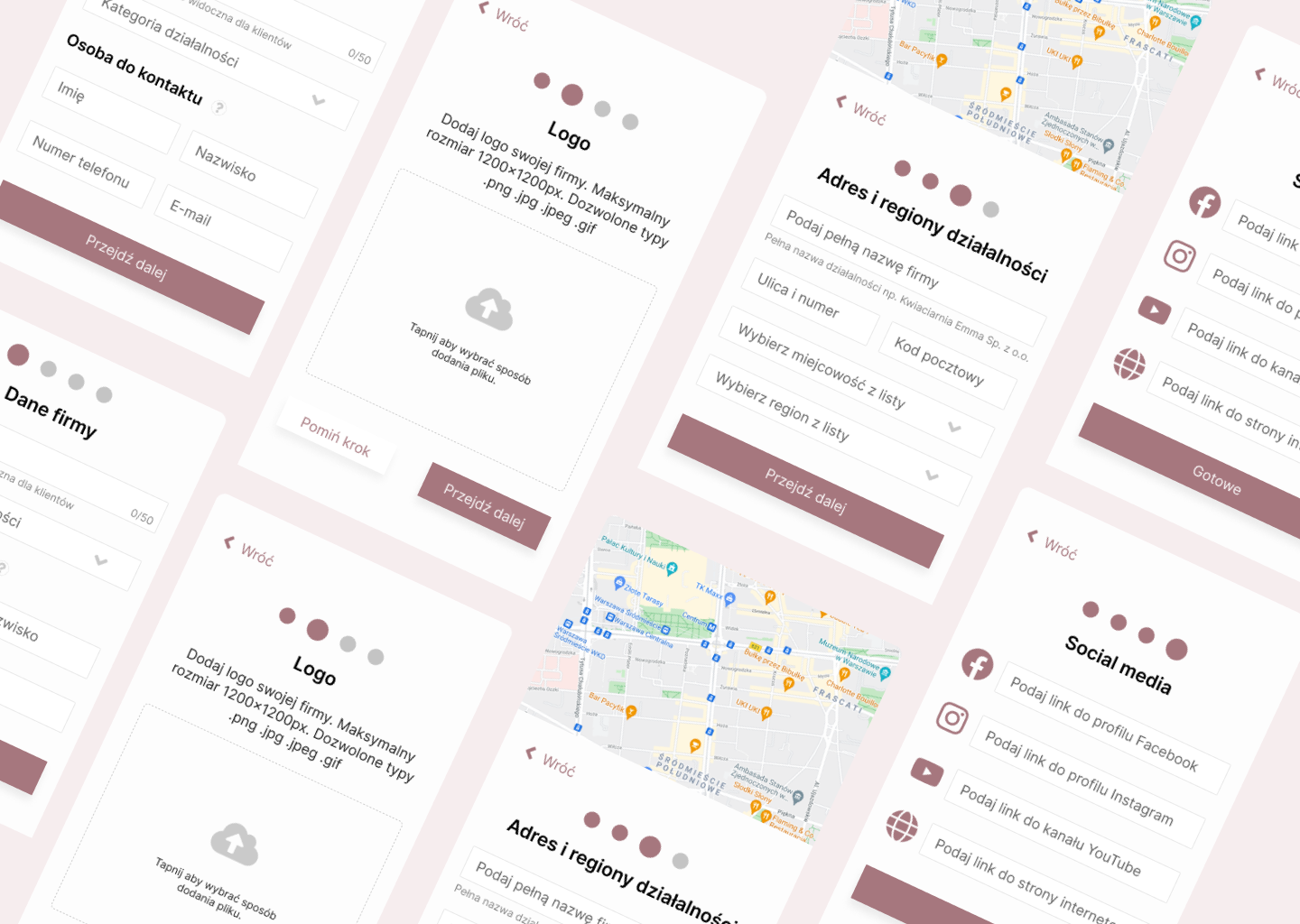
Onboarding is divided into 4 steps and includes key information for the offer. These steps are arranged in the right order, from the most important information to the less important ones. It is important to note that not all information is mandatory.
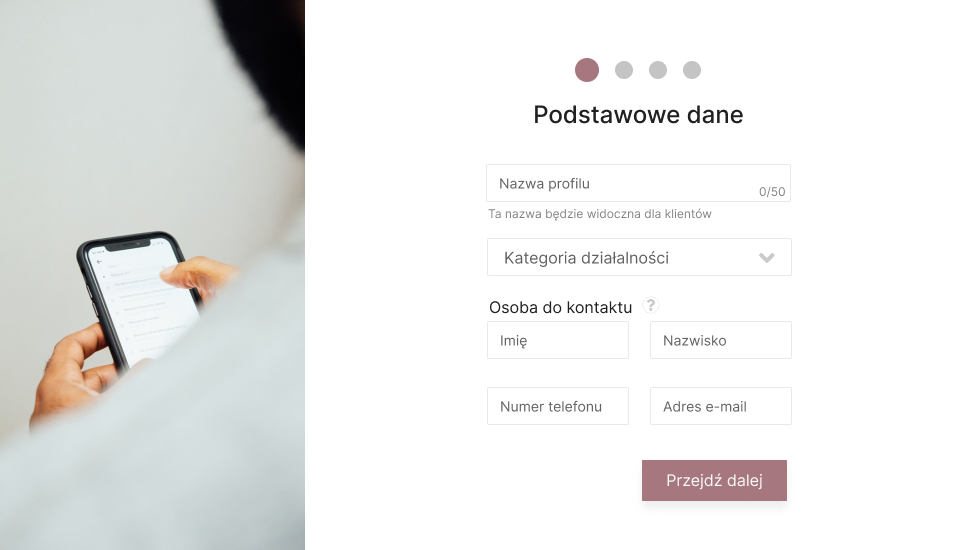
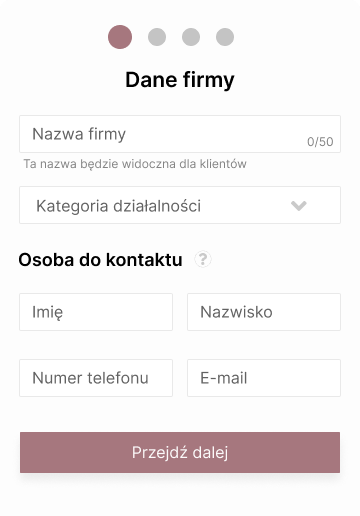
The first step to get basic information about company is: profile name, category and contact persons for potential customers. Without this data, the profile cannot really work, so they were chosen as the first step. The completion of all information is obligatory, but does not pose a problem for users, as every offer must have this information.
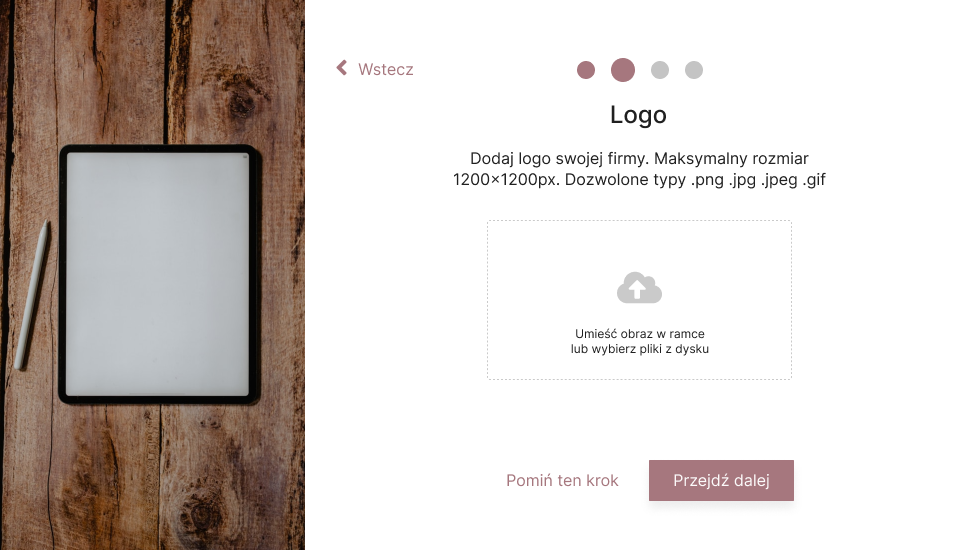
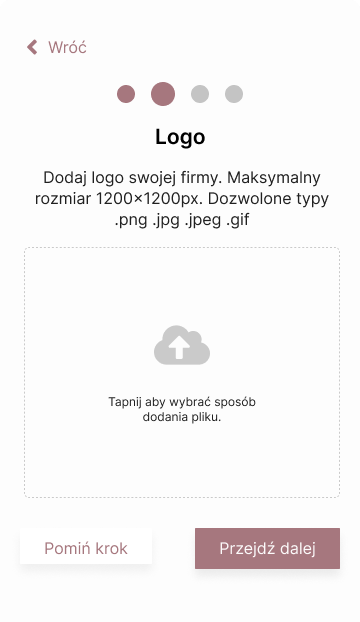
The next step is to add a company logo. The logo is an element of the company identity and allows customers to get to know the company better However, it is not mandatory to attach it, as we know that not every company has a logo or may not have a logo stored on the hard drive of the computer it is currently using or in the gallery of the phone. For this reason, they have the option to upload them later via the admin panel.
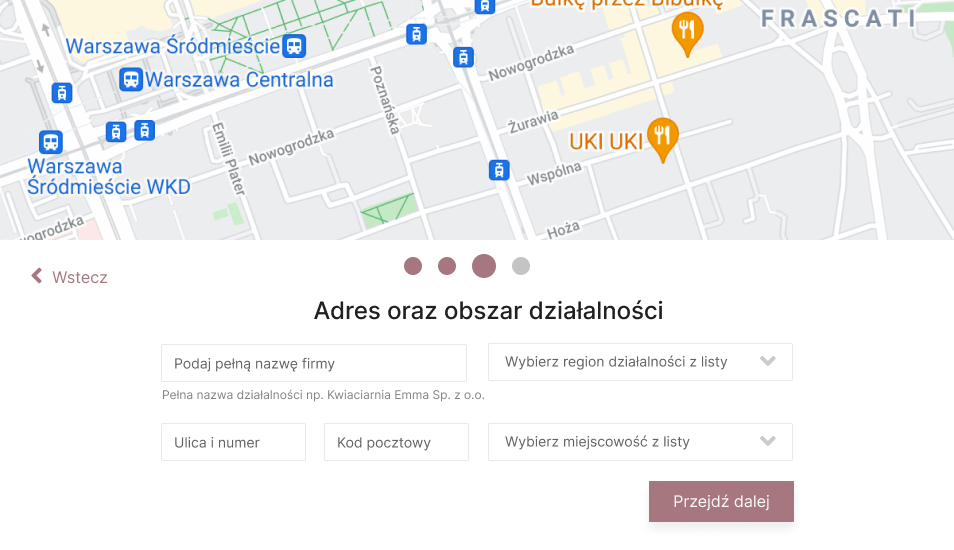
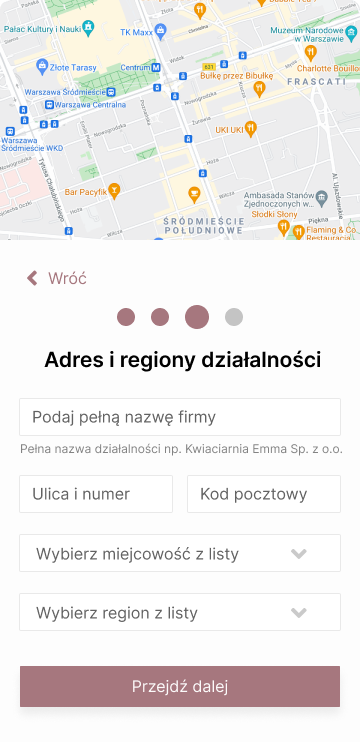
Step three is the indication of the company address and business area. This is a mandatory part as it has a big impact on the decision of potential customers to send a message. Bridal couples usually look for companies in their vicinity, as they usually have no travel costs and it is also easier to meet to discuss the details of the offer or to visit the location (e.g. wedding halls). Therefore, it is important that each offer has a specific location and a specific area of activity (voivodship). The indication of the voivodship is also important from the point of view of the search mechanism on the website, as it was built in this key (category – voivodship).
The final step involves providing links to social media and website. Bridal couples often want to see not only the offers in the company directory, but also on social media, where they can see more photos, reviews or comments. Users can specify as many links as they like, but do not need to specify them if they have not created a profile on these pages or are unwilling to share them.
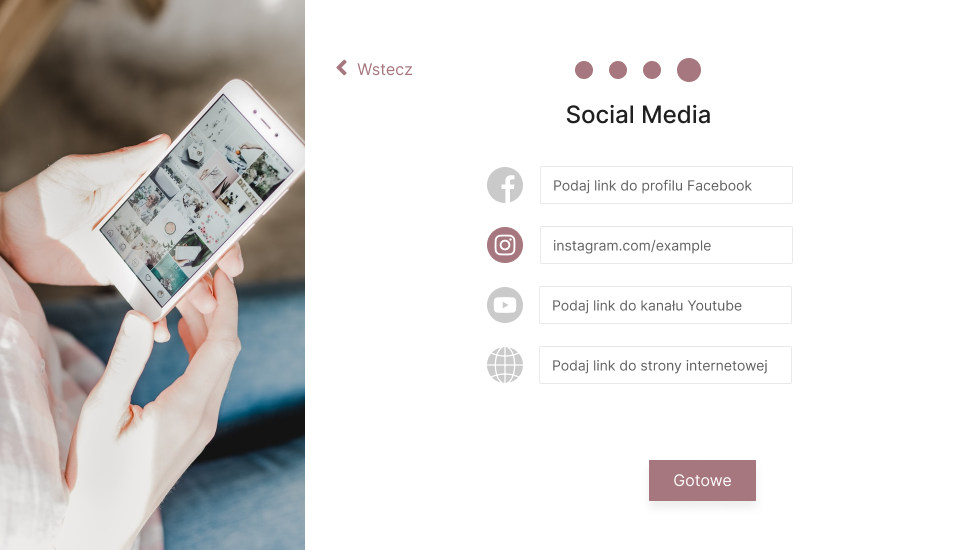
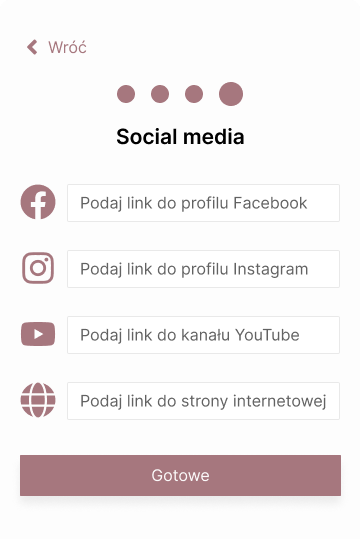
From step two, they have the option to go back to the previous one, so that they can correct or verify their entries.
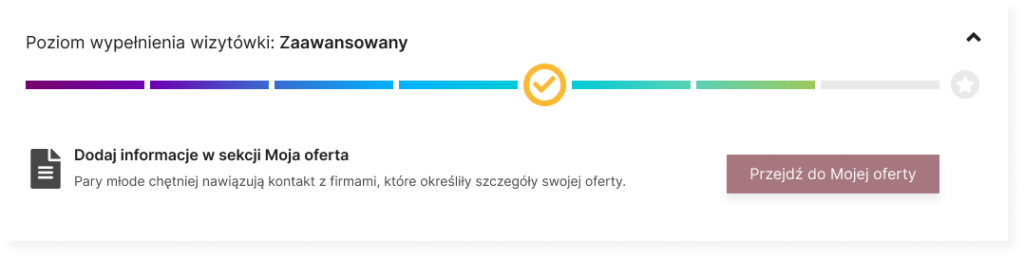
The onboarding is rounded off by the progress bar of the profile. It has been designed to show users what other information is important and what benefits it has. Filling in additional profile elements causes the progress bar to be filled and the level to rise. In this way, users know how much work they still have to do to make their offer as attractive as possible. This bar appears on the main page of the administration panel and disappears once users have entered all the information.